
VR Laboratory
Head-Mounted VR SYSTEM
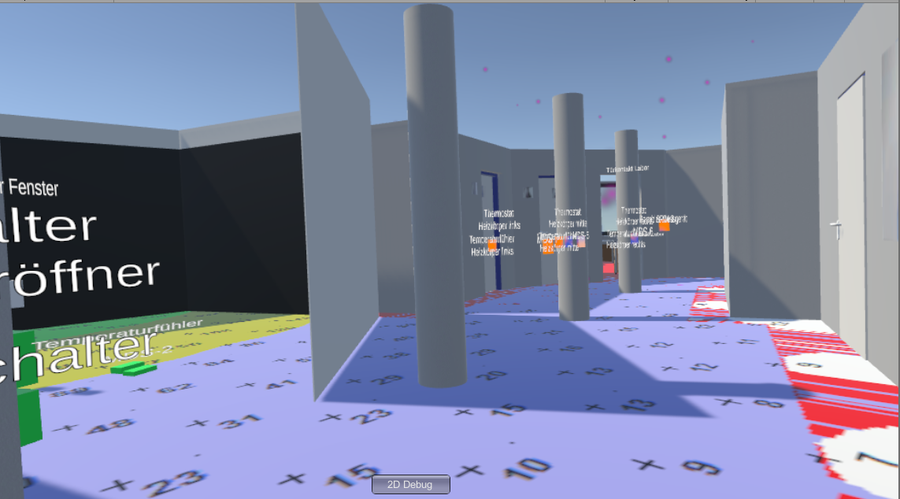
VR Image
Hardware Features
-
HTC Vive head-mounted display
-
2 Lighthouse base stations for room-scale tracking (mounted on the ceiling)
-
2 HTC Vive controllers for interaction
-
Optional Vive Tracker that can be attached to the KUKA robot arm
-
VR-ready workstation PC (high-end GPU; lab network)
Used for
-
Single-user immersive walkthroughs of BIM building models
-
1:1 scale model checking: spatial conflicts, accessibility, and design alternatives
-
Interactive navigation and object inspection (e.g. rooms, components, materials)
-
Teaching and student projects on VR interaction and digital twins
-
Robot–VR coupling: Vive Tracker on the KUKA robot arm for
CAVE-VR SYSTEM
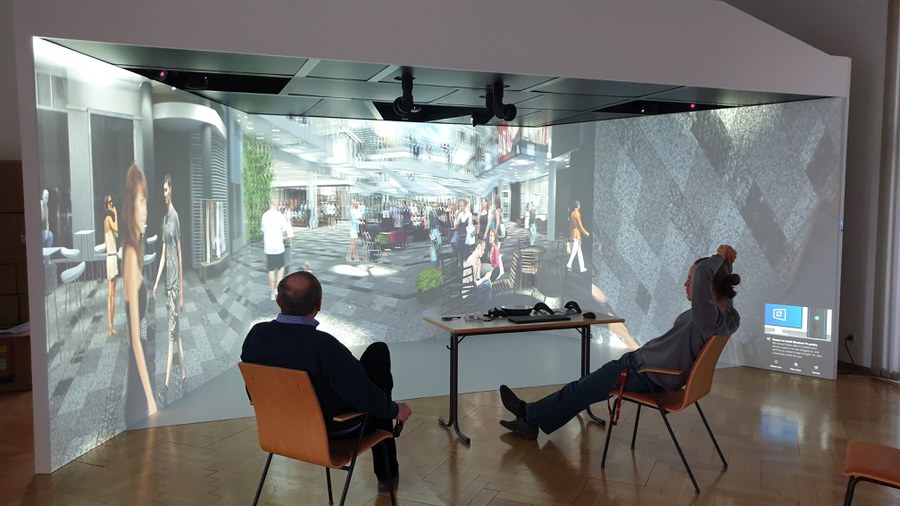
BIM Cave
Hardware Features
-
4 × Barco F80 projectors for multi-wall stereoscopic display
-
Built-in RF emitters + active 3D shutter glasses (multi-user)
-
2 SteamVR base stations for tracking
-
Vive Tracker for pointing/interaction in the CAVE
-
Xbox controller for navigation/menu
-
High-end CAVE PC (RTX A6000 class)
Software Installed
-
SteamVR (tracking & calibration)
-
Unity (custom CAVE/VR apps, BIM viewers)
-
Autodesk Revit
-
Navisworks Manage (coordination, clash detection, 4D)
-
Custom Unity prefab & code for automatic Revit-to-VR workflow
Used For
-
Group visualization of BIM models in an immersive environment
-
1:1 model inspection, clash & accessibility checks
-
Interactive navigation and object review (tracker + gamepad)
-
ACC-06 teaching: students load and review their own models
-
Collaborative digital-twin & multi-user interaction demos
Large-Scale Multi-Display System (Advanced Desktop Mode)
Used For
-
Large-scale 2D/3D visualization of BIM and analysis results
-
Seamless switch from immersive VR to detailed desktop analysis
-
Group discussion of design options, clashes, energy & structural results
-
Hybrid teaching and remote collaboration (share CAVE desktop view with online participants)
Together, the head-mounted VR setup, the multi-user CAVE, and the switchable large-scale desktop mode form a single, continuous workflow: build and import BIM models → experience at 1:1 scale → analyze and discuss findings with the whole team—on site and remotely. This enables faster design decisions, clearer coordination, and hands-on teaching (e.g., ACC-06), without duplicating data or tools.